Common File Formats Explained: A Plain-English Reference
What the file extensions you meet every day actually mean — documents, images, audio, video, archives, and data — and which to choose for the job.
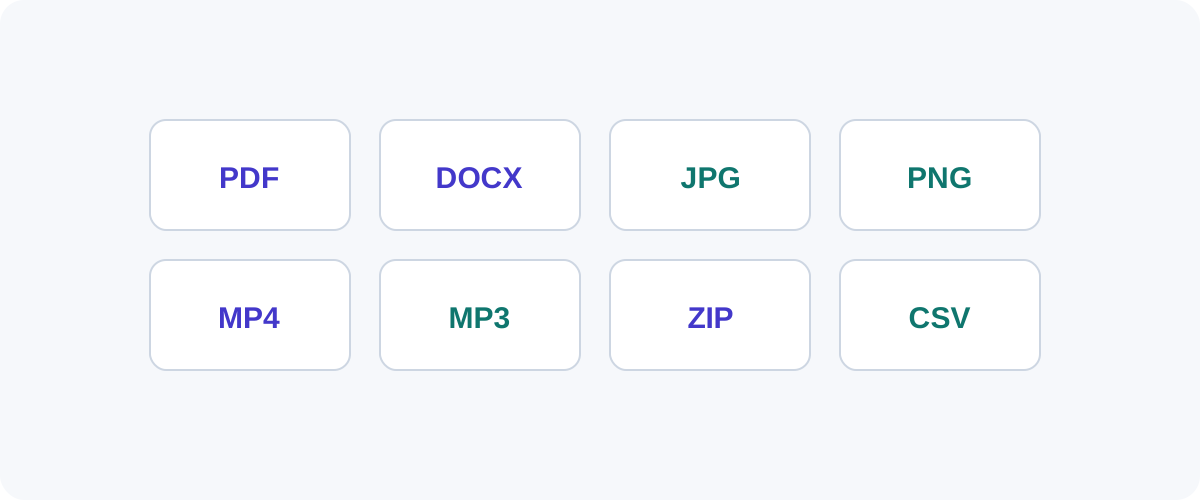
File extensions are everywhere — .pdf, .jpg, .mp4, .zip — and most people pick them by habit rather than knowing what they do. This is a quick, plain-English reference to the formats you actually encounter, grouped by what they’re for, so you can choose the right one with confidence.
The extension is just a label
The letters after the dot tell software what kind of file it is. Renaming a file (say .png to .jpg) doesn’t change what’s inside — you have to convert it. Keep that distinction in mind and a lot of “why won’t this open?” mysteries disappear.
Documents
| Format | What it is | Best for |
|---|---|---|
| Fixed-layout document | Sharing so it looks identical everywhere | |
| DOCX | Microsoft Word document | Editable text documents |
| TXT | Plain text, no formatting | Notes, logs, raw text |
| RTF | Rich text, app-independent | Simple formatted text across apps |
| ODT | OpenDocument (LibreOffice) | Open-source word processing |
Rule of thumb: send a PDF when it just needs to be read, DOCX when it needs to be edited.
Images
| Format | Type | Best for |
|---|---|---|
| JPG | Lossy | Photographs |
| PNG | Lossless | Logos, screenshots, transparency |
| WebP | Both | Web images (smaller than JPG/PNG) |
| AVIF | Lossy/lossless | Cutting-edge web photos |
| SVG | Vector | Logos and icons that scale infinitely |
| HEIC | Lossy | iPhone photos (efficient, less compatible) |
We compare the big three in PNG vs JPG vs WebP, and cover iPhone files in HEIC to JPG.
Audio
| Format | Type | Best for |
|---|---|---|
| MP3 | Lossy | Universal music/voice, small files |
| AAC | Lossy | Apple/streaming, better than MP3 at same size |
| WAV | Lossless (uncompressed) | Editing, masters — large files |
| FLAC | Lossless (compressed) | Archival quality at smaller size than WAV |
Video
| Format | Notes |
|---|---|
| MP4 | The universal default — plays almost everywhere |
| MOV | Apple’s container, common from iPhones |
| WebM | Open format optimized for the web |
| MKV | Flexible container, popular for high-quality video |
For most people, MP4 is the safe “will it play?” choice.
Archives and data
| Format | What it does |
|---|---|
| ZIP | Bundles and compresses multiple files |
| CSV | Simple table data (spreadsheets, exports) |
| JSON | Structured data, common in apps and APIs |
| XML / YAML | Structured data and config files |
Lossy vs lossless, one more time
It’s the distinction that explains most format choices:
- Lossy (JPG, MP3, MP4) — smaller, discards imperceptible detail. Use when size matters.
- Lossless (PNG, FLAC, WAV, ZIP) — perfect copy, larger. Use when you need exact fidelity or will keep editing.
Converting isn't free quality
Converting to a lossy format loses a little each time, and converting from lossy to lossless can’t recover what was already thrown away. Keep a high-quality original and export copies in whatever format you need.
How to actually convert
Renaming won’t do it — you need a tool that re-encodes the file. Many conversions (images, simple data formats) can run right in your browser; heavier ones (video, audio) use desktop apps like the free HandBrake or VLC, or command-line tools like FFmpeg. Whatever you use, start from the best-quality source you have.
Frequently asked questions
What is a file format, exactly?
A file format is the agreed way data is arranged inside a file so that software knows how to read it. The extension at the end of a filename (like .pdf or .jpg) is a label hinting at that format. Changing the extension by renaming the file does not change the actual format — you need to convert it.
If I rename photo.png to photo.jpg, is it now a JPG?
No. Renaming only changes the label, not the data inside. The file is still a PNG and may fail to open or display incorrectly. To truly change formats you must convert the file with a tool that re-encodes the contents.
What's the difference between a "lossy" and "lossless" format?
Lossy formats (JPG, MP3, MP4) discard some detail to make files much smaller — great for photos, music, and video. Lossless formats (PNG, FLAC, ZIP) preserve everything exactly, producing larger files. Choose lossy when size matters and the loss is imperceptible; lossless when you need a perfect copy.
Which document format should I send so anyone can open it?
PDF. It looks the same on every device and doesn't require the recipient to have Word or any specific app. Send editable formats like DOCX only when the other person needs to change the content.