Fast, free image tools — right in your browser.
Compress, resize, crop, convert, and more. No sign-up, no installs — most run right in your browser. Plus clear guides when you want to understand the how and why.
Pick a tool and go.
The ones people reach for most — free, no sign-up.
Shrink file size while keeping quality.
ResizeChange width and height to any size.
CropTrim images to the exact frame you want.
Convert FormatSwitch between JPG, PNG, WebP and more.
Background RemoverErase the background in one click.
Image to PDFCombine images into one PDF document.
Rotate & FlipTurn, straighten, and mirror photos.
Image to Text (OCR)Pull editable text out of any image.
Prefer to read first? Learn the basics in our guides →
More than images.
Image tools lead the way — and there are guides for PDFs, text, conversions, calculations, and developer tasks too.
PDF Guides
Merge, compress, convert, split, and protect PDF files — explained step by step.
Image Guides
Compress, resize, convert, and optimize images without losing quality.
Text & Writing
Word counters, case converters, and handy text utilities for writers.
Converters
Convert units, colors, timestamps, and data formats with confidence.
Calculators
Everyday math made simple: percentages, loans, dates, and more.
Developer Tools
Encoders, formatters, validators, and generators for developers.
Learn the how and why.
Clear, original, step-by-step guides — and each one links to the free tool that does the job.
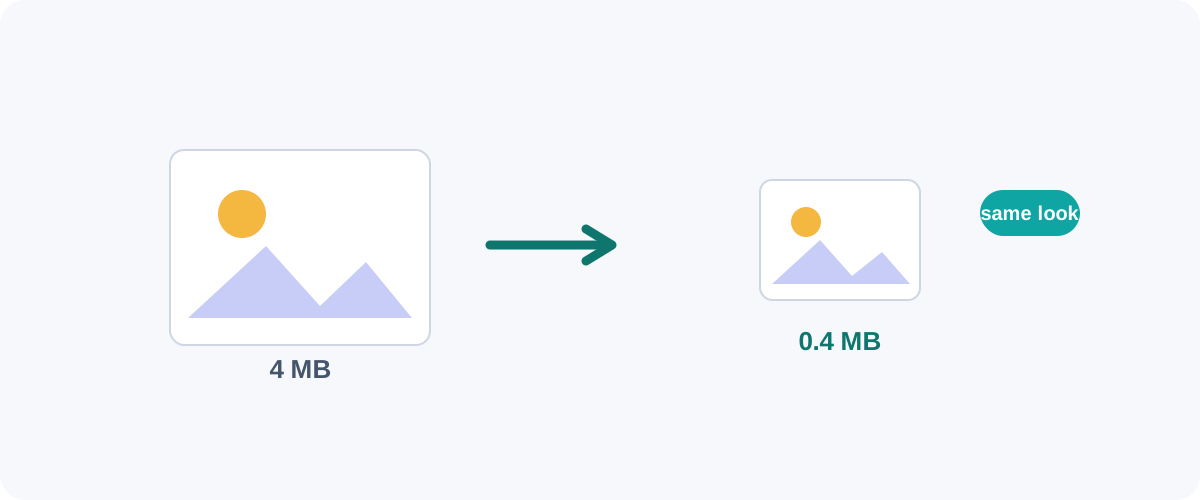 Image
Image How to Compress Images Without Losing Quality
The real reasons image files get big, the difference between lossy and lossless, and the best free ways to shrink JPGs and PNGs on Mac, Windows, and in your browser.
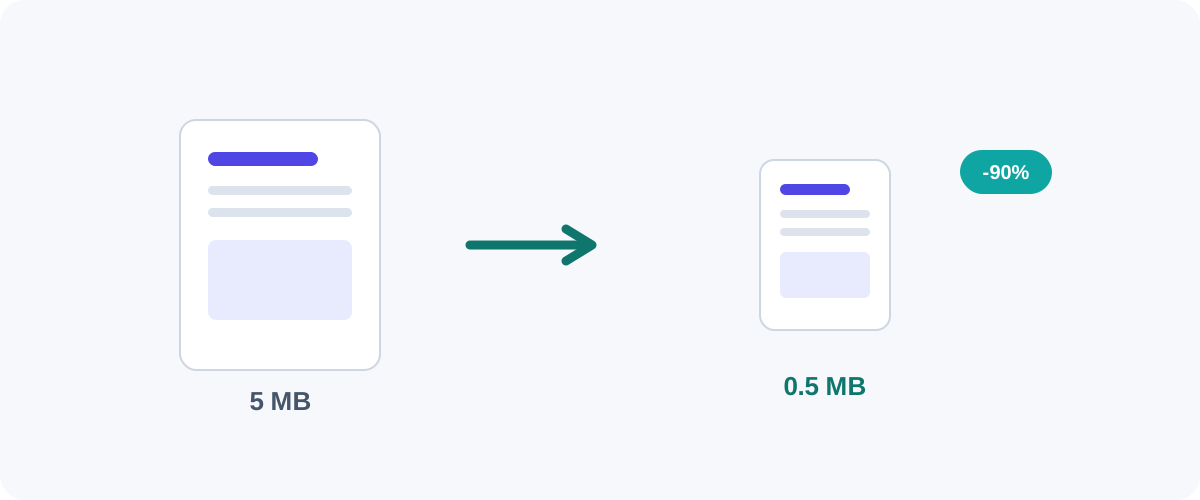 PDF
PDF How to Compress a PDF Without Losing Quality
Why PDFs get huge, what compression actually changes, and the best free ways to shrink a PDF on Mac, Windows, and online — without turning your text to mush.
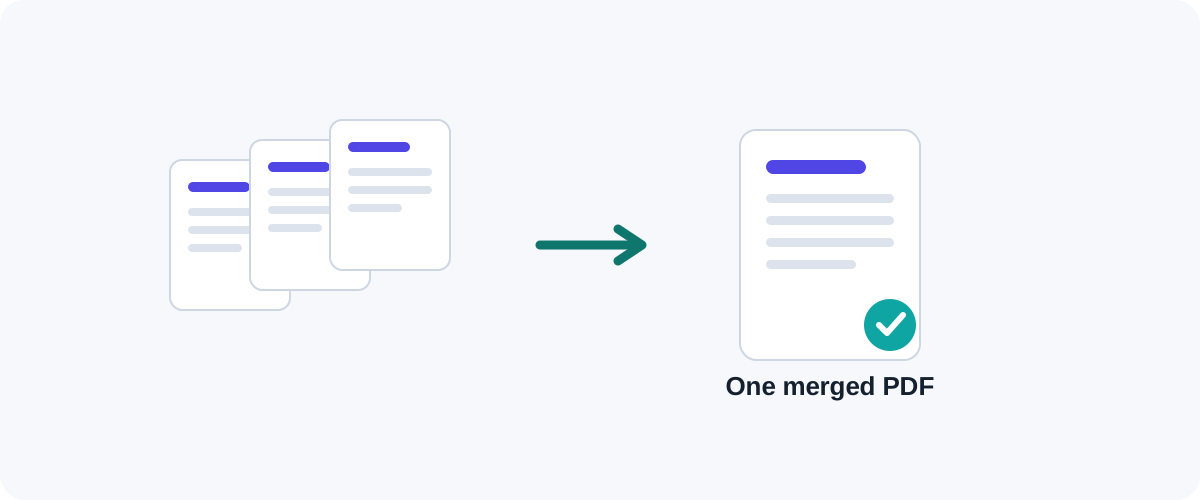 PDF
PDF How to Merge PDF Files for Free (Windows, Mac, iPhone & Android)
A practical, tested guide to combining multiple PDFs into one file — online, on your desktop, on your phone, and from the command line — with the right method for every device.